Introduction to Automating GeckoDriver Updates
Automating GeckoDriver updates streamlines your development pipeline, saving both time and engineering effort. GeckoDriver is required for Selenium to communicate with Mozilla Firefox; keeping it in sync with browser versions is vital. Without automation, teams often encounter version mismatches, resulting in unpredictable test outcomes and broken CI pipelines. By integrating automation workflows that handle GeckoDriver downloads, version checks, and updates, teams can significantly enhance CI pipeline efficiency, minimize errors, and support consistent cross‑browser testing.
Key benefits of automating GeckoDriver management include:
- Reduced build failures from outdated drivers
- Faster test execution through reliable configuration
- Improved developer productivity with minimized manual overhead
What Is GeckoDriver and Why Does It Matter in CI Pipelines
GeckoDriver is an executable that allows Selenium WebDriver to communicate with Firefox browsers. When your automated tests run, Selenium requires a compatible driver to send commands and interpret browser responses. GeckoDriver enables this for Firefox just as ChromeDriver does for Chrome. Without a matching GeckoDriver version, Selenium tests may fail due to compatibility exceptions.
Why Version Compatibility Matters
Each new Firefox release may introduce changes that require a corresponding driver update. A mismatch between GeckoDriver and Firefox versions can lead to errors such as:
- Session not created exceptions
- Browser launch failures
- Test timeouts and pipeline failures
Keeping GeckoDriver up to date ensures tests reflect the latest browser behavior and reduces flaky test results.
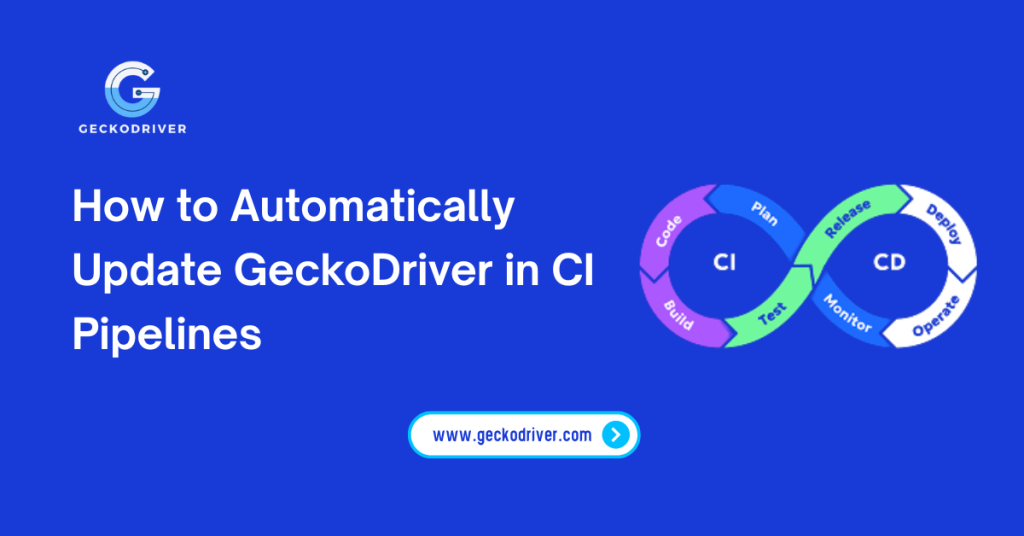
How to Automatically Update GeckoDriver in CI Pipelines
Implementing automation for GeckoDriver updates in CI/CD workflows can be done using scripts, CI configuration files, and package management tools. Below are recommended approaches:
Using Automation Scripts in CI Configurations
You can add scripts to your CI configuration (e.g., .github/workflows, .gitlab-ci.yml, or Jenkins pipelines) that:
- Check the latest GeckoDriver release from trusted sources
- Download the latest compatible driver
- Extract and install it before running tests
This ensures that every pipeline execution uses the latest supported version.
Package Managers and Automation Tools
Using package managers like npm, pip, or Homebrew (on macOS/Linux) can simplify updates. For example:
- Use
webdrivermanagerpackages that auto‑resolve the correct driver - Leverage community tools to automatically fetch and cache drivers
Version Checks and Compatibility Verification
In your script, check both the current Firefox version and the GeckoDriver version. Use semantic version matching logic to ensure compatibility and fallback strategies when the latest driver isn’t supported for the browser version.
Optimizing CI Pipelines with Automated GeckoDriver Updates
Once GeckoDriver updates are automated, your CI environment becomes more stable and efficient.
Reduce Build Failures
Automated updates negate the risk of outdated drivers, which frequently cause broken builds and require manual intervention.
Improve Cross‑Browser Test Reliability
Automated management ensures your test suite runs against the correct GeckoDriver version, promoting consistent results.
Integrate Alerts for Update Failures
Configure notifications (via email or CI alerts) if GeckoDriver updates fail. This early feedback loop improves pipeline observability.
Top Tools and Libraries for Automating GeckoDriver Management
To simplify automation, consider using established tools:
- WebDriverManager — handles driver updates dynamically
- Custom CI scripts — shell or PowerShell scripts tailored to your project
- Package registry tools — npm or pip modules that manage browser drivers
Choose tools based on your CI environment: GitHub Actions, GitLab CI, CircleCI, Jenkins, or Bitbucket Pipelines.
Troubleshooting Common Issues in GeckoDriver Automation
Automation doesn’t always go smoothly. Here’s how to address common problems:
Version Incompatibility Errors
If Firefox updates faster than your automation script:
- Implement version matching logic
- Use fallback driver versions where feasible
Download Failures
Network restrictions or firewall rules can interrupt driver downloads. Use:
- CI caching strategies
- Proxy settings for external downloads
FAQs About Automating GeckoDriver Updates in CI Pipelines
How do I automate GeckoDriver updates in GitHub Actions?
You can configure a setup step in main.yml that runs a script to fetch and install the latest GeckoDriver before your test steps.
Can automated GeckoDriver updates support multiple browsers?
Yes. While GeckoDriver handles Firefox, you can apply similar automation for ChromeDriver and other browser drivers in the same pipeline.
What tools help manage GeckoDriver automation?
Tools like WebDriverManager, CI scripts, and package managers help automate GeckoDriver downloads and version matching.
How often should GeckoDriver be updated?
Update GeckoDriver with every major Firefox release or at regular pipeline intervals to maintain compatibility.
Is the automated GeckoDriver update safe in CI/CD?
Yes, when sourced from trusted repositories and validated through version checks, automated updates reduce risk and improve consistency.
Can I roll back a GeckoDriver update if tests fail?
Yes, maintain version history or cache drivers and add logic to revert to previous versions if necessary.
How do I check the GeckoDriver version in a CI script?
Use command‑line tools within your CI job to print the GeckoDriver version and validate it against the browser version.
Will automated updates improve test reliability?
Definitely automating updates reduces flaky tests caused by version mismatches and improves the overall stability of test runs.
Conclusion: Enhancing Your CI Pipeline with Automated GeckoDriver Updates
Automating GeckoDriver updates in CI pipelines is no longer optional; it’s a best practice for teams focused on delivering reliable, up‑to‑date web application tests. By integrating automation into your CI/CD workflows, you eliminate manual maintenance, reduce build failures, and promote faster, more trustworthy test results. Embrace automation tools, smart version‑checking scripts, and monitoring alerts to future‑proof your pipeline and support scalable testing strategies.
Latest Post: